
Dr. Web LiveCD v6.0.0
Ilmainen ohjelma / Freeware
Vista / Win10 / Win2k / Win7 / Win8 / WinXP
Vista / Win10 / Win2k / Win7 / Win8 / WinXP
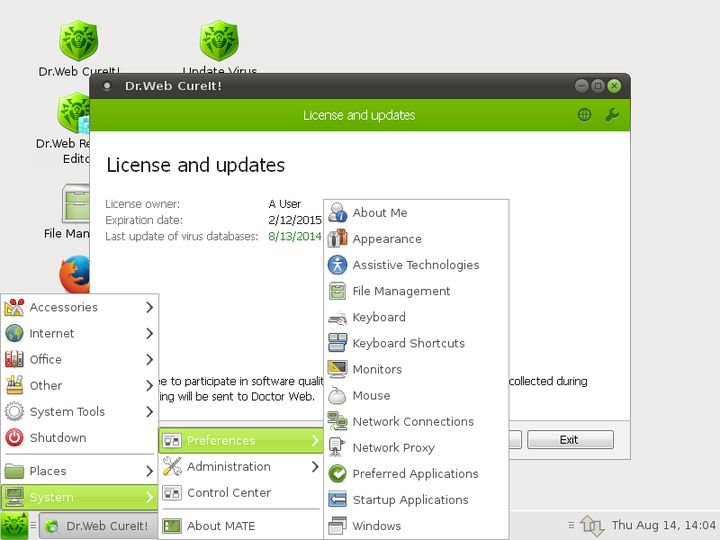
Dr.Web LiveCD will clean your computer of infected and suspicious files, help you copy important information to a removable data storage device or another computer, and then attempt to cure infected objects.
How does it work?
- Download the image.
- Burn the image onto a CD/DVD. Users of Nero Burning ROM should proceed as follows:
- Insert a blank CD/DVD into your CD/DVD recorder
- Click on the “File” menu and select “Open”
- Browse through folders to the image location and select it
- Press the “Burn” button, and wait while the image is being written to the disk
- Insert a blank CD/DVD into your CD/DVD recorder
- Make sure that the CD/DVD drive or any other device with Dr.Web LiveCD is set as the first-boot device. Adjust corresponding BIOS settings, if necessary.
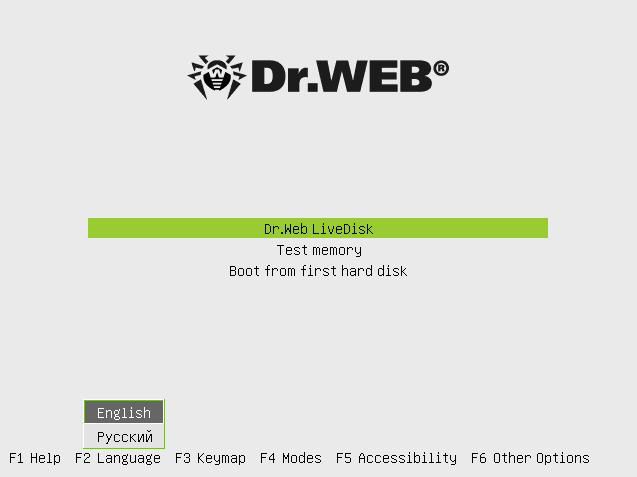
- As loading starts, a dialogue window will prompt you to choose between the standard and safe modes.
Kuvakaappaukset:
Muut editiot:
Linkkaa tähän ohjelmaan kopioimalla allaoleva teksti kotisivuillesi:
Lisenssi
Ilmainen ohjelma / Freeware1
Valmistajan kotisivu
Siirry ohjelman kotisivulle
Lisätty
23.10.2015
Latauksia
289
Tiedoston koko
190,91 MB
(< 26min @ 1Mbps)
Tuetut kielet
Englanti
Käyttöjärjestelmä(t)
Vista / Win10 / Win2k / Win7 / Win8 / WinXP1
1Lisenssi- ja käyttöjärjestelmä(t)-kohtien tiedot koskevat ohjelman uusinta versiota.
(Ei arvosteluja)

